
Creating a multiplayer card game without any coding knowledge opens up game development to beginners in a more accessible way. You get to dive into designing your game’s story, mechanics, and fun elements without getting bogged down by complex programming.
With no-code tools, the process of building and refining your game becomes quicker and more intuitive, allowing for rapid testing and improvements based on player feedback. This approach saves money by eliminating the need for expensive software and simplifies the entire game creation process with user-friendly, drag-and-drop interfaces.
Top Software for Creating Games Without Code
1. Buildbox

Pricing: Buildbox is a no-code game engine that offers a free version with basic features. There are different plans available for 2D and 2D+3D game development.
For 2D games, the free plan includes basic features, while the Plus ($28.99/year), Pro ($68.99/year), and Ultimate Bundle ($223.99/year) progressively offer more worlds, scenes, export options, and higher revenue shares.
For 2D+3D games, Buildbox 3’s plans are similar but start at a higher price point:
Plus ($48.99/year) and Pro ($148.99/year), with the Ultimate Bundle remaining the same price but combining the benefits of both Buildbox Classic Pro and Buildbox 3 Pro with all features unlocked. The more expensive plans increase the number of worlds and scenes you can create and offer better revenue terms for app stores and ad networks.
Features: Known for its user-friendly interface, Buildbox makes it easy to create both 2D and 3D games without coding. It offers a range of templates and assets to get you started, and its drag-and-drop interface simplifies the game design process.
2. GameMaker Studio
Pricing: GameMaker Studio has a free version for beginners, with paid versions offering more advanced features, starting at $99 for one-time purchase for the Professional license and $800 annually for the Enterprise.
Features: This platform is ideal for 2D game projects. It’s designed to be accessible for beginners while still offering powerful tools for more experienced developers.
3. Unity with Visual Scripting (Bolt)

Pricing: Unity itself is free for personal use or for companies that make less than $100,000 annually.
(By the way, due to recent updates, that amount will go up to 200k)
For visual scripting, Bolt is now included for free with Unity.
Features: Unity is a highly versatile game engine you can use without coding capable of making both 2D and 3D games. With the addition of Bolt for visual scripting,you can use Unity with no coding.
4. Construct 3

Pricing: Offers a personal edition with full access starting at $135.75/year.
Features: Construct 3 is a web-based no-code game development tool focused on 2D game creation. It features a drag-and-drop interface and is known for its ease of use and fast development cycle.
5. Godot Engine

Pricing: Completely free and open-source.
Features: It is an easy game maker with no coding. Godot focuses on both 2D and 3D game projects. It includes visual scripting capabilities, making it accessible for non-coders.
Is Unity the Best Game Engine for No-Code Game Development?
Choosing the best no-code game development platform depends on your specific needs, like how easy it is to start, the help you can get from other users, and what kind of games you want to make. Let’s compare Unity with Visual Scripting (Bolt) and other popular no-code mobile game platforms to answer the question “is Unity the best game engine?”.
Learning Curve
- Unity’s Bolt has a gentle learning curve for those already familiar with Unity’s ecosystem, making it an attractive option for beginners with some background in game development.
However, for absolute beginners, the wide array of features in Unity can be overwhelming.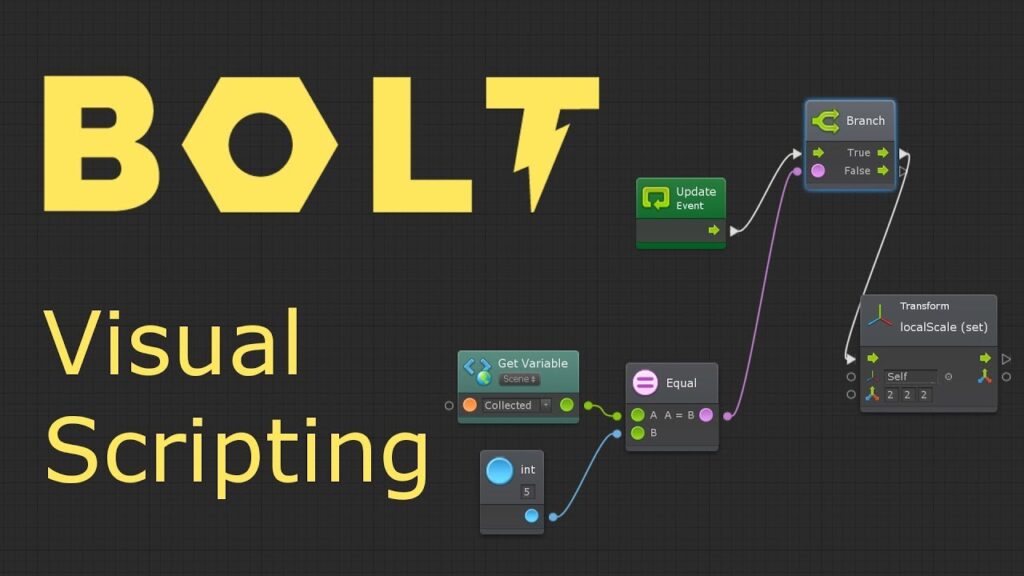
- Buildbox is designed with simplicity in mind, targeting users with no prior game development experience. Its interface is intuitive, making it one of the easiest to start with.
- GameMaker Studio features a drag-and-drop interface that simplifies the game development process, though mastering its more advanced features can take some time.
- Construct 3 has an intuitive interface and lots of tutorials, making it accessible for beginners.
- Godot Engine offers a unique approach with its own scripting language (GDScript), which is easy to learn for those new to coding, but it might present a steeper learning curve for non-coders compared to purely visual scripting tools.
Community Support
Unity’s Bolt has a massive user base, offering forums, tutorials, and third-party resources. Just like any other no-code platform described here.
Versatility in Game Development
- Unity’s Bolt allows developers to build a mobile game in both 2D and 3D in various genres. Unity’s engine is powerful for complex projects that require more advanced features.
- Buildbox focuses mainly on 2D game creation, with some support for 3D, making it less multi-purposeful than Unity.
- GameMaker Studio is perfect for 2D game development, with limited but growing capabilities for 3D games.
- Construct 3 is primarily used for 2D games.
- Godot Engine can do both 2D and 3D game development, making it a strong competitor to Unity in terms of versatility.
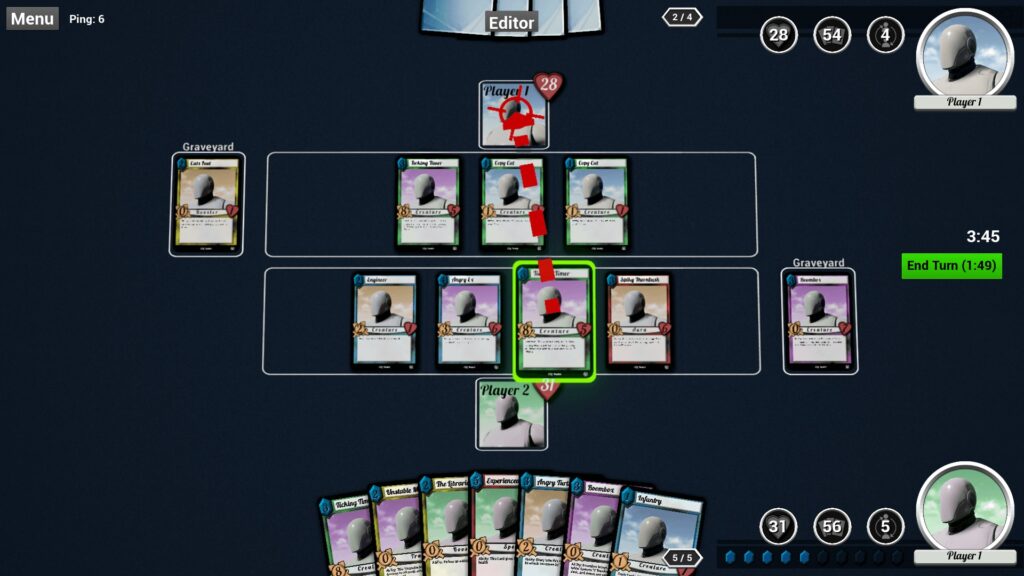
The Unity usage for a multiplayer card game project
The main issue was getting Unity ready for making a multiplayer game. Unity supports various networking tools, making it a solid choice for this project. The big decision was picking a network solution; Photon Unity Networking (PUN) and Unity’s HLAPI were top choices, each with unique benefits fitting different game needs.
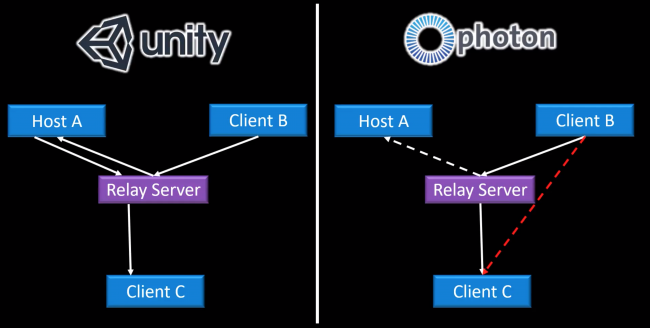
We used Mirror to improve upon Unity’s standard networking. Mirror fixed bugs and added features missing in Unity’s default setup, enhancing our game’s multiplayer functions. We underestimated how important it is for the game to handle more players as it grows. Our initial network couldn’t keep up, causing delays and sync issues. A scalable solution, like dedicated servers, would have prevented this.
Key Insights:
- It’s crucial to pick a network solution that matches your game’s requirements. PUN and HLAPI were our main considerations, with our final choice greatly impacting our game’s multiplayer aspect.
- Mirror greatly improved multiplayer by addressing limitations in Unity’s default network system.
- Constant testing with different player counts and network conditions was important to ensure the game ran smoothly for everyone.
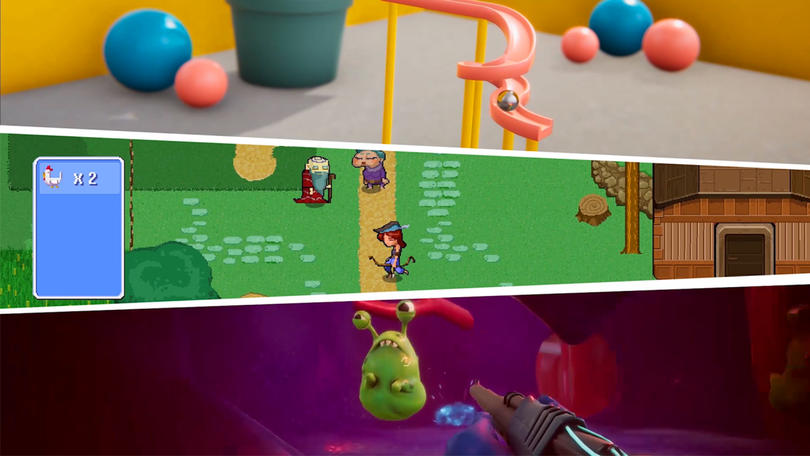
Developing a multiplayer game in Unity without coding skills is challenging but doable. It is possible to create no-coding mobile games, but still, it involves understanding Unity’s networking options, selecting the right tools, and not shying away from external resources like Mirror to enhance multiplayer gameplay. It shows that with research, testing, and the right tools, even you as a non-coder can build your own phone game in Unity.
Where do you get inspiration for your games?
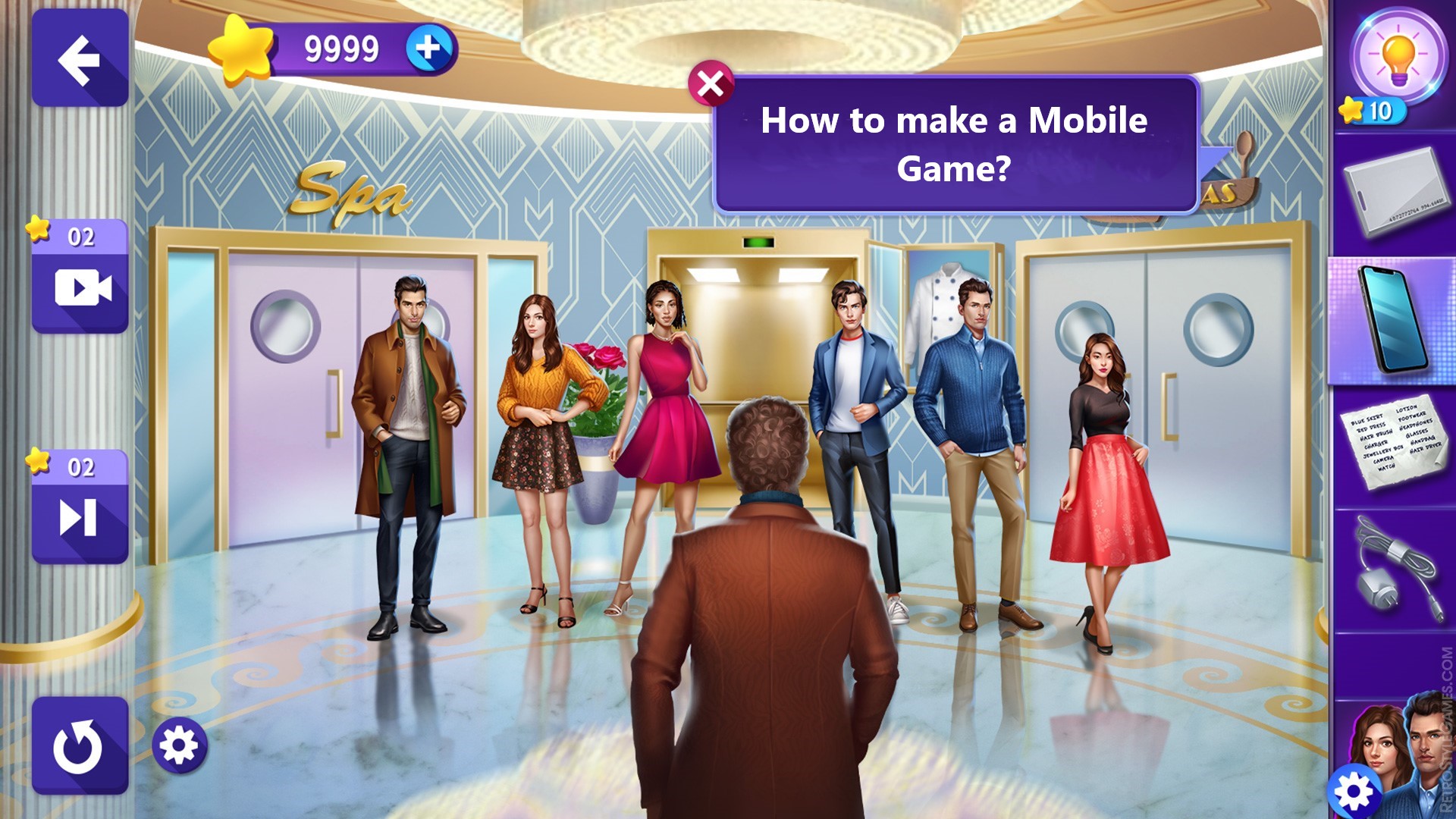
As a game developer, looking at RetroStyleGames‘ work on “Hero Academy 2” really sparks my creativity, especially their 2D character art.
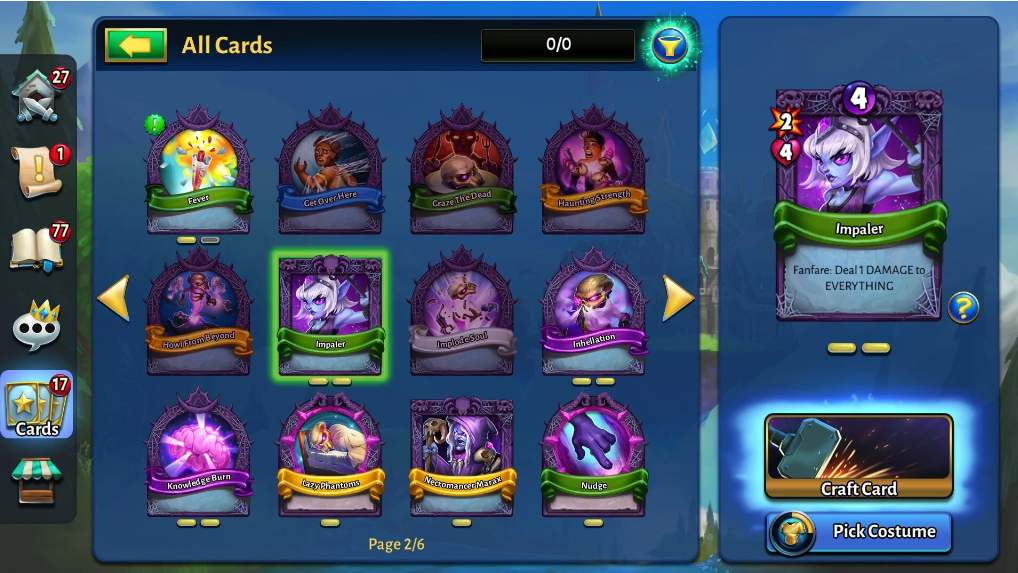
It seems that the character design was inspired by the Heartstone. But the key word here is “inspired”, not “copied”, which shows the developer’s ability to remake the characters so they look original. It makes me want to focus on making my game’s visuals showing how important it is to have a strong, attractive design to catch players’ eyes.
Seeing the wide variety of characters they’ve designed encourages me to be more imaginative with my own characters. The detailed artwork in “Hero Academy 2” reminds me to pay attention to the small things in my game. Even minor details can make the game world feel more alive and immersive. Their characters are not just pretty; they fit perfectly with the game’s mechanics. This inspires me to think about how my character designs can reflect their roles in the game, making the gameplay more intuitive.
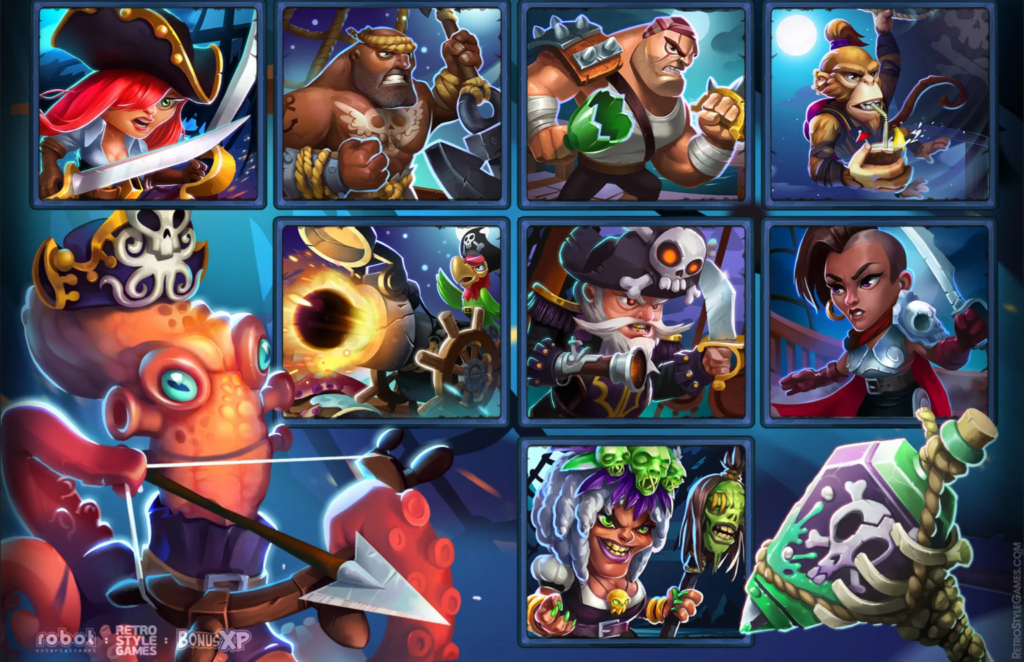
RetroStyle Games’ approach to blending elements from different genres shows me it’s okay to experiment. Mixing styles or gameplay mechanics can lead to something truly unique and engaging. The game was shut down a couple of years ago, but you still can find comments on Steam from the fans missing it. Seeing the community’s reaction to their game makes me realize the power of great character design in building a strong player base.
Challenges and Solutions in Creating a 2D Card Game Without Coding
Designing Game Mechanics
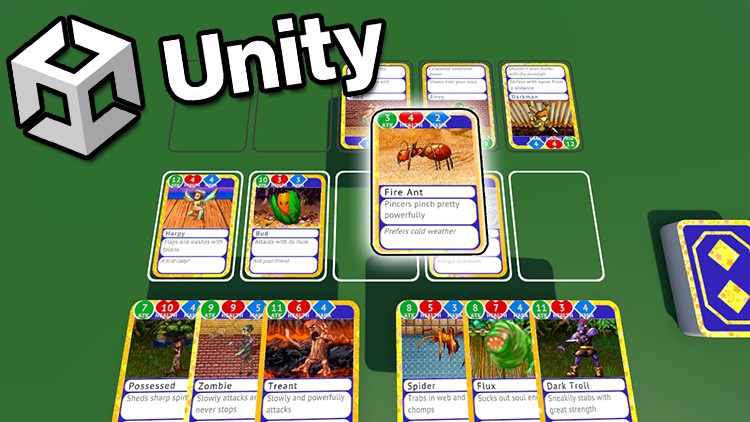
Visual scripting lets people who might not know how to code create a mobile game by using a more visual, drag-and-drop style. The first step is figuring out how to take your big game idea and make it into something players can actually do in the game. You have to think about what you want your game to feel like and what actions the players will take. Visual scripting tools help you experiment with these ideas quickly. Using these tools, you can play around with your game’s rules and see what happens. But, you also have to keep in mind what the tool can do and make sure your game can run smoothly.
Balancing Gameplay
Balancing gameplay is about making sure your game is both fair and fun for everyone playing it. Here’s how it works in simpler terms:
First, you need to play your game – a lot. This helps you see what’s working well and what’s not. You’re looking for things that might be too easy or too hard, or if a certain part of the game feels out of place or not as enjoyable.
It’s not enough to just test the game yourself. You need to let other people play it too and listen to what they have to say. Different players will notice different things, which can give you a broader view of what needs fixing.
Based on what you and others find during testing, you start making changes. This could mean tweaking how fast a player moves, adjusting the difficulty of challenges, or even changing how certain game mechanics work to make them more fun.
Balancing isn’t something you do just once. You’ll likely go through this cycle of testing, gathering feedback, and adjusting many times. Each round helps you fine-tune the game a bit more, making sure everything is well-balanced and enjoyable.
A big part of balancing is making sure the game is fair. This means ensuring that no player has an unfair advantage over others and that success in the game is based on skill, strategy, or sometimes a bit of luck.
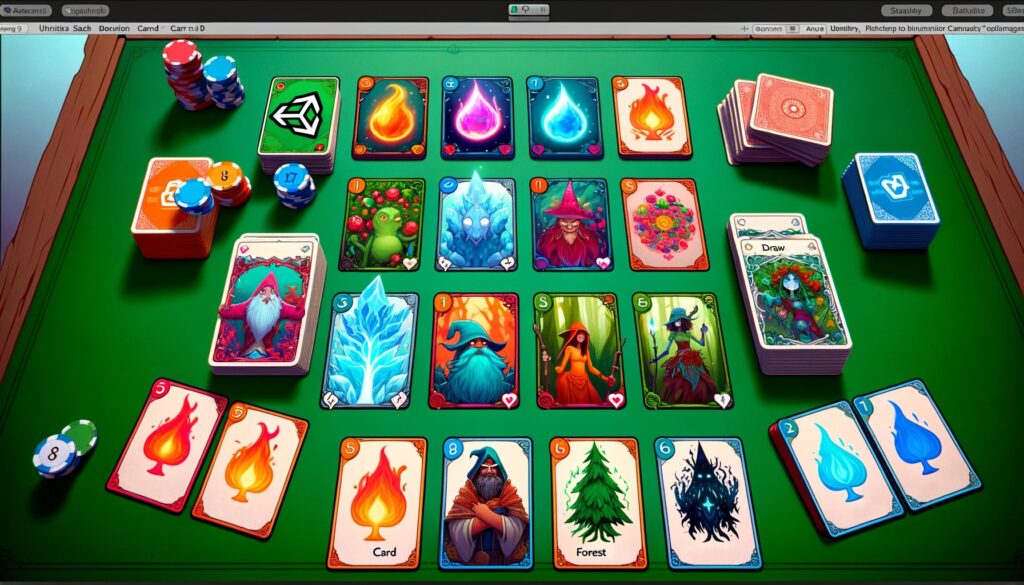
A well-balanced game also offers a variety of experiences. This keeps the game interesting over time and ensures that there’s something for different types of players.
Ultimately, the goal of balancing is to make sure your game is fun to play. This means making sure it’s not too frustrating but also not too easy. It’s about finding that sweet spot where players feel challenged but capable of succeeding.
Publishing and Feedback
Before you even think about publishing, make sure your game is as polished as possible. This means fixing bugs, optimizing performance, and ensuring it meets the guidelines of the platform you’re targeting.
For mobile games, you also need to think about touch controls and how they work on different devices. What else to consider?
- Both Google Play and the Apple App Store require you to create a listing for your game. This includes uploading screenshots, writing a compelling description, and choosing the right keywords. This is your chance to convince people to download your game, so make it count!

- Each platform has its own set of rules and guidelines. For Apple, the review process is known to be quite strict, so make sure you understand these guidelines well to avoid any delays. Google Play also has its rules, but the review process is generally faster.
- If you plan to make money from your game, now is the time to set up in-app purchases or ads. Both platforms offer their own systems for this, so you’ll need to integrate them into your game.
- Once everything is in place, you can submit your game for review. If it passes, it will be published on the platform, and users can start downloading it.
- After your game is out, listen to what players are saying. You can find feedback in the reviews on your store page, social media, forums, and even in-game feedback tools if you’ve included them. Pay attention to common themes or issues players mention.
- Use the feedback you receive to improve your game. Regular updates can fix bugs, add new content, and adjust gameplay based on user feedback. This not only makes your game better but also shows players that you’re actively supporting it, which can encourage more downloads and positive reviews.
- Responding to reviews and engaging with players on social media or forums can build a strong community around your game. This engagement can provide valuable insights for future updates or new game ideas.
Publishing your game and collecting user feedback is a cycle of improvement that requires attention to detail, patience, and a genuine desire to make your game the best it can be.